
WEATHER INTERFACES
Designing a Scalable Visual System for Real-Time Weather Data
ABOUT
I defined and evolved a visual system for presenting real-time and forecasted weather data across broadcast, mobile, and streaming platforms for the launch of Fox Weather.
The system enabled teams to communicate complex, rapidly changing data clearly and consistently under the constraints of live production, while scaling across multiple surfaces and use cases.
PROJECT OR FILE
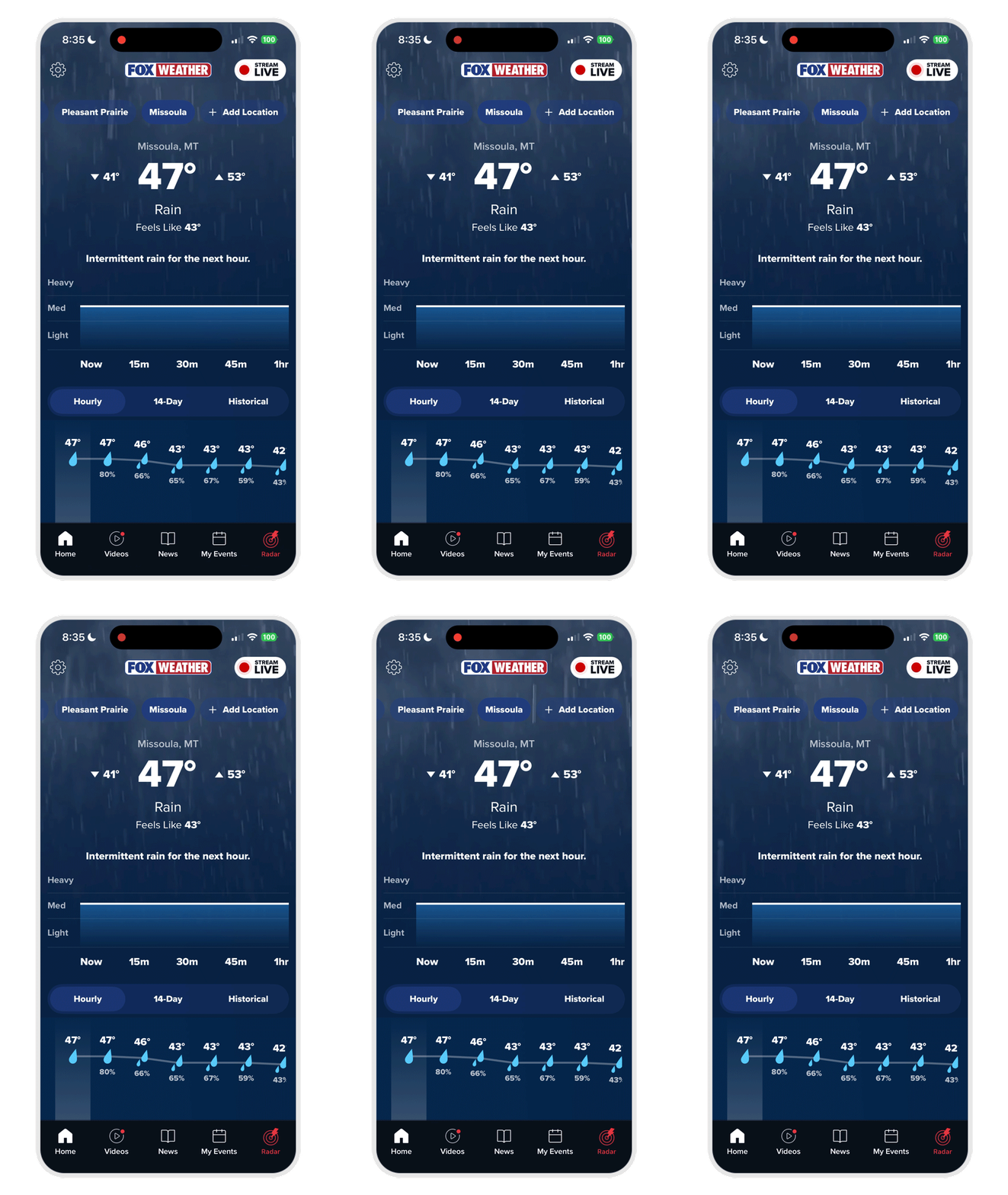
The Fox Weather app is free and downloadable here
THE CHALLENGE
OPTIMIZING FOR CLARITY & SPEED
Weather data presents a unique design problem:
-
Continuously updating and time-sensitive
-
Probabilistic and uncertain
-
Consumed during high-pressure moments (e.g., severe weather events)
At the same time, the system needed to:
-
Support rapid production workflows
-
Maintain consistency across platforms
-
Adapt to variable and incomplete data
-
Remain legible in live broadcast conditions
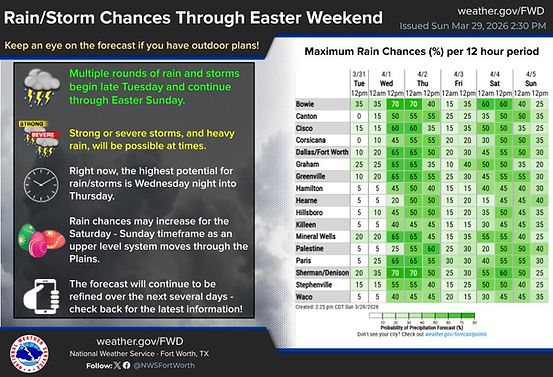

Beyond outdated visual design, weather interfaces often present dense or inaccessible data, making it difficult to quickly identify what matters most in time-sensitive situations.
Examples of weather alert systems and dashboards from The National Weather Service
APPROACH
DEFINING THE VISUAL SYSTEM
At first, I was tasked with creating a suite of over 50 fullscreen templates to display data for all aspects of weather coverage. I then focused on defining a modular visual system that could scale across contexts and scenarios.
Visual Principles
-
Clarity under pressure: prioritize the most critical information first
-
Contextual Awareness: reveal additional detail, or remove detail contextually
-
Consistency across surfaces: align broadcast and digital experiences
-
Flexibility for uncertainty: accommodate incomplete or changing data

Screen safety layout diagram

Side panel layout guidance
SYSTEM DESIGN
RECOGNIZING INFORMATION PATTERNS & ESTABLISHING HIERARCHY BASED ON CONTEXT
The system was built around reusable patterns and rules:
-
Modular layouts
Interchangeable panels that adapt to different weather events without redesign -
Component-based architecture
Reusable UI elements for alerts, forecasts, and data overlays -
Graceful degradation
Designs that remain functional and legible when data is missing or delayed -
Hierarchical data structuring
Visual prioritization of alerts, timing, and key metrics


An example of how templates became modular as the system emerged.

For our hurricane season package, there are adaptable pieces of the screen interface, depending on data available and the story the weather team wants to tell.


Another example of a data-fed package is the Fox Weather Alert System. Here it is shown as a side panel and a full screen graphic. There is also a dedicated YouTube channel with the live Fox Weather Alert System.
A CLOSER LOOK
THE SIDE PANEL SYSTEM
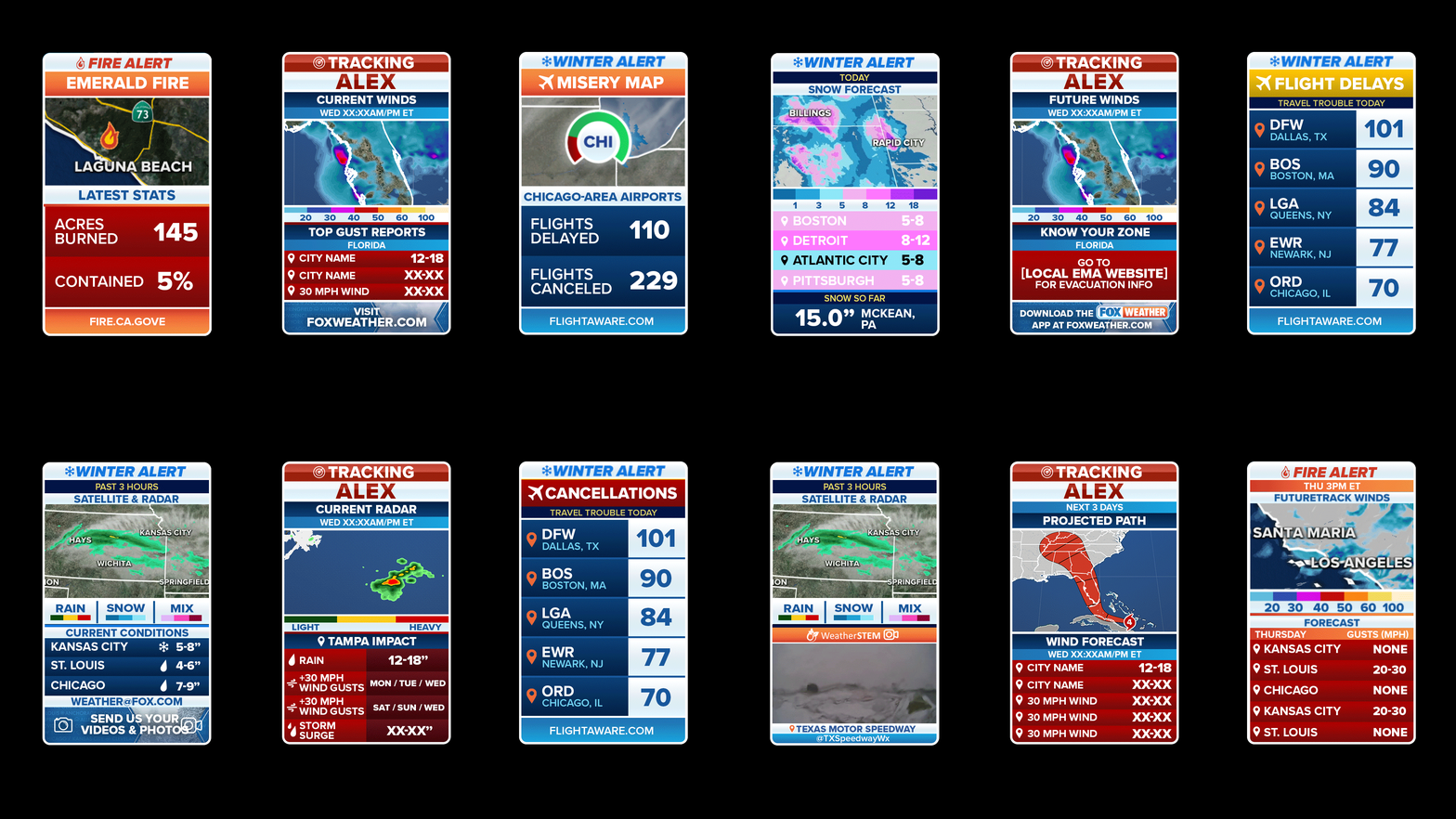
A key part of the system was a persistent side panel used alongside live video.
This pattern:
-
Standardized how data is displayed during broadcasts
-
Allowed quick reconfiguration based on the story
-
Maintained consistency across different weather scenarios
Variants were designed to account for:
-
Different event types (storms, wildfires, aviation conditions)
-
Broadcast constraints (safe zones, overlays)
-
Data availability

COLLABORATION &
EXECUTION
In this project I partnered closely with:
-
Product managers to align design decisions with editorial and business goals
-
Engineering teams to ensure designs were technically feasible in live environments
-
Weather presentation teams who populated templates with real-time data
For interactive elements, such as weather touchscreens, high-fidelity prototypes in Figma were used for alignment and iteration.


IMPACT
-
Enabled consistent, scalable weather reporting across platforms
-
Improved clarity of data-dense, time-sensitive information
-
Accelerated production through reusable patterns and templates
-
Supported the launch and rapid growth of a new national network
Finished Designs


